

Genow focuses on dividing your company knowledge into Agents. Agents are dedicated to knowledge or documents that are directly related to a team or organizational unit. An optimized Agent can then be implemented, which processes questions from employees with high quality and further processes them using tools. This allows your processes to be precisely covered by Genow. These Agent-specific capabilities can be adapted to the needs of your teams using various features.
The role of an Agent Admin is a powerful role. An Agent administrator has a wide range of tasks: managing and improving the knowledge base, analyzing and evaluating feedback, identifying specific use scenarios, configuring Agent settings, and identifying user groups.
New to the Genow Platform?
If you’re new to the Genow platform, we recommend reading our generalist articles about our application first:About the Genow Platform
Ready to Set Up Your New Agent?
Your Agent will be set up by the person responsible for the platform in your company. We will describe everything you need to prepare in the following article:New Agent Setup
The Admin Panel - Your Agent Control Center
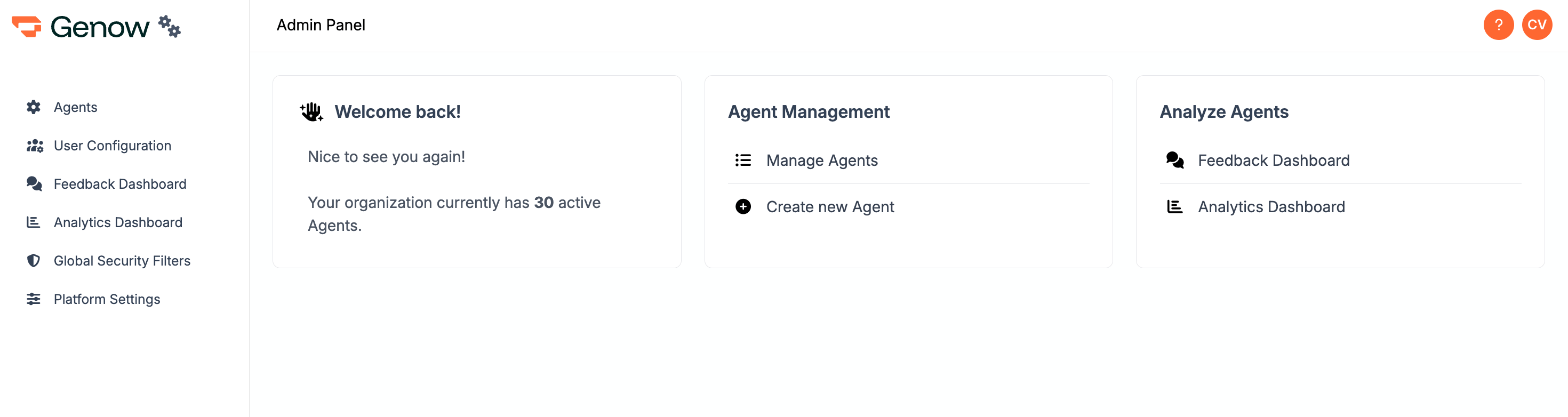
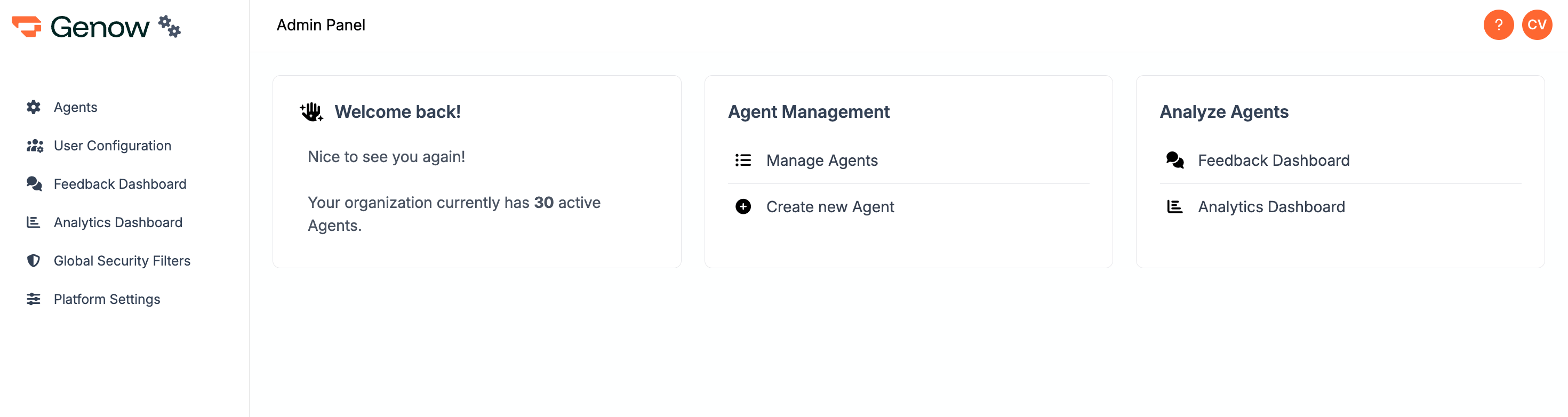
The admin center will provide you with all needed features to fully control and manage your Agent. How to find the admin panel After logging into the Genow platform, you will find a round button with your initials in the top right corner. Click on this button to find the link to the admin panel. Navigate toAgents and click on your Agent entry.
- Knowledge Management: create new sources and assets or manage existing ones; trigger synchronizations.
- Personalize Agent: add additional context to your Agent, which will be used for searching and answer generation. Configure additional settings.
- Evaluate Agent: Use the feedback provided by users and the usage of your Agent to optimize it.
(1) Manage Your Knowledge
Generally, to set up the knowledge base of your Agent, there are two steps to follow:1
Identify your data management system
Available options are: Sharepoint, Google Drive, Jira and Confluence.
2
Select your scope
Lower down the scope to the documents and directory that really matter for your use case.
3
Select your scope
Lower down the scope to the documents and directory that really matter for your Agent.
Manage your knowledge - getting started
Improve Your Knowledge Base
Improving the knowledge base is a crucial step in both preparing the use case, testing and after the use case goes live.Although our search and answer generation is of high quality, the quality of Genow’s answers depends on the quality of the data basis for your Agent. Providing high-quality data is a crucial step in achieving high-quality outputs.
Data Maintenance
Improve your data quality!
(2) Personalize Your Agent
Find our overview over the existing options here:Agent Settings
(3) Analyse the Usage of Your Agent
To analyze the usage and quality of your Agent, we offer multiple features.Analytics Dashboard
See how many queries your users have submitted.
Feedback Dashboard
Review user feedback on Genow’s responses and improve your Agent.
Learn how to make your Agent successful here.