

Admins can fully adjust the feedback form for their users via the settings in the admin panel.
- You can choose between various fields for each positive and negative feedback.
- Simply drag and drop items from the list to change the displayed order when the user provides feedback.
- When the fields name and e-mail are deselected, the feedback will always be sent anonymously.
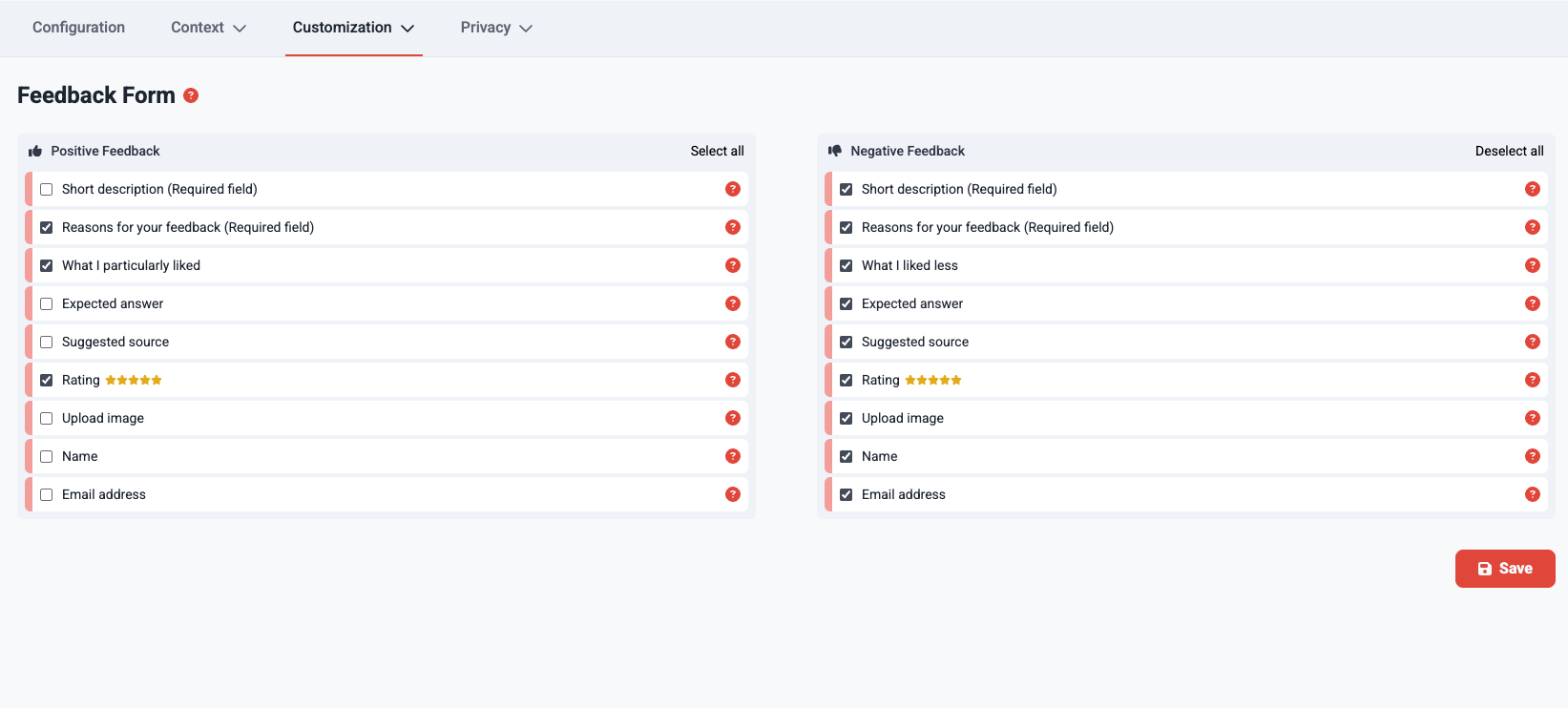
Changing the form will also change the fields available in the CSV download of feedback from the Feedback Dashboard. The CSV file will contain a combination of fields from both the negative and positive forms.