

Note:
- Scope: These settings are platform-wide. They affect all Agents and all users within your organization’s Genow instance.
- Access Level: You must be a Global Admin to access and change these settings. Agent Admins do not have access to these platform-level configurations.
- Location: The configuration is managed within the Platform Settings, not within individual Agent settings.
How to Access Data Retention Settings
- Log in to the Genow Admin Panel with your Global Admin account.
- Navigate to Platform Settings in the main sidebar.
- Select the Data Retention tab.
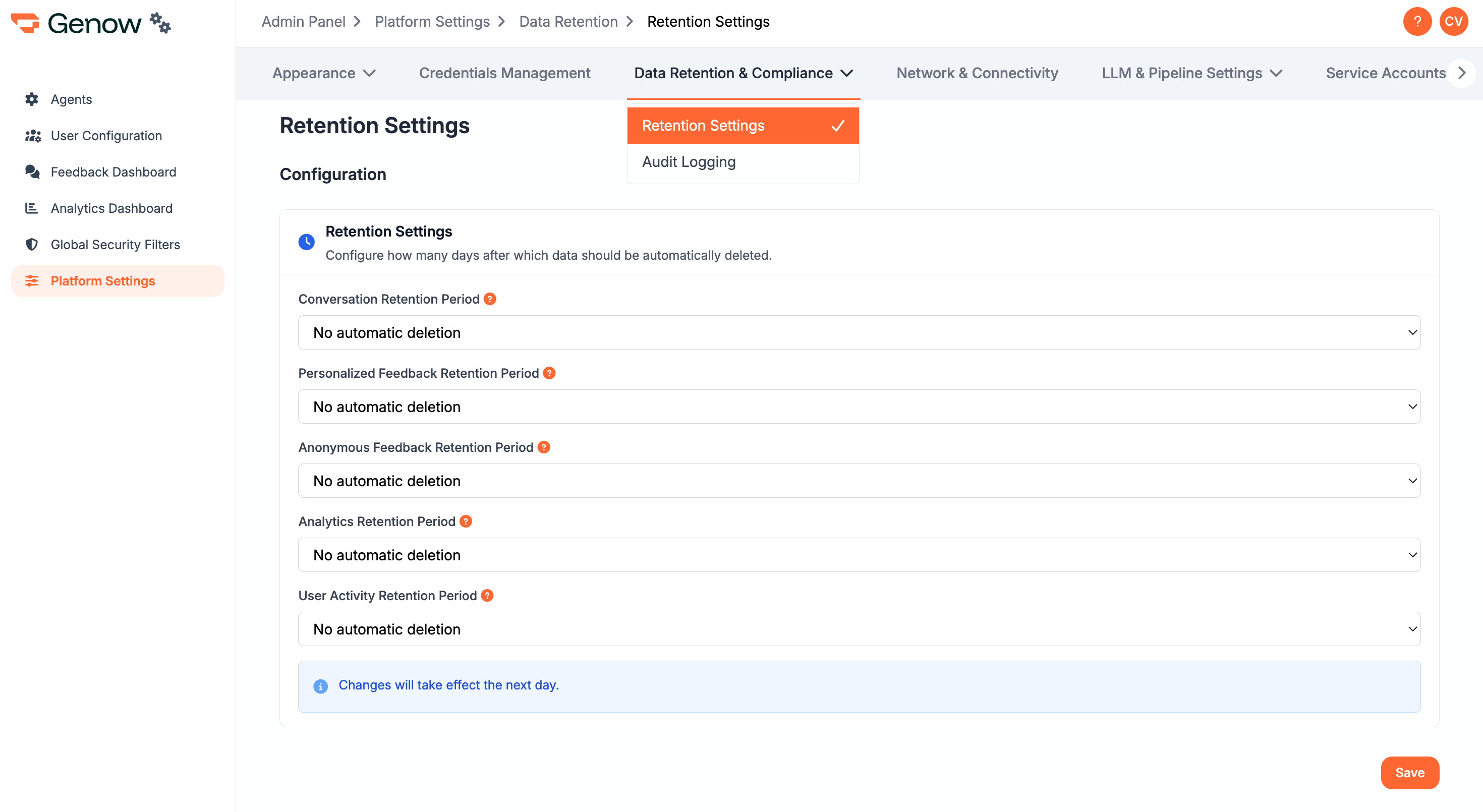
Configurable Retention Periods and Types
You can define specific retention periods for different types of data. Once the set time limit is reached, the corresponding data is automatically and permanently deleted from the system. Retention Periods: 30, 60, or 90 days Types of data:- Conversation Retention Period: Refers to users’ conversations with the system in Agents, the Personal Space, and the Chat.
- Personalized Feedback Retention Period: Refers to user feedback (e.g., to Agent replies), that is not given anonymously.
- Anonymous Feedback Retention Period: Refers to user feedback (e.g., to Agent replies), that is given anonymously.
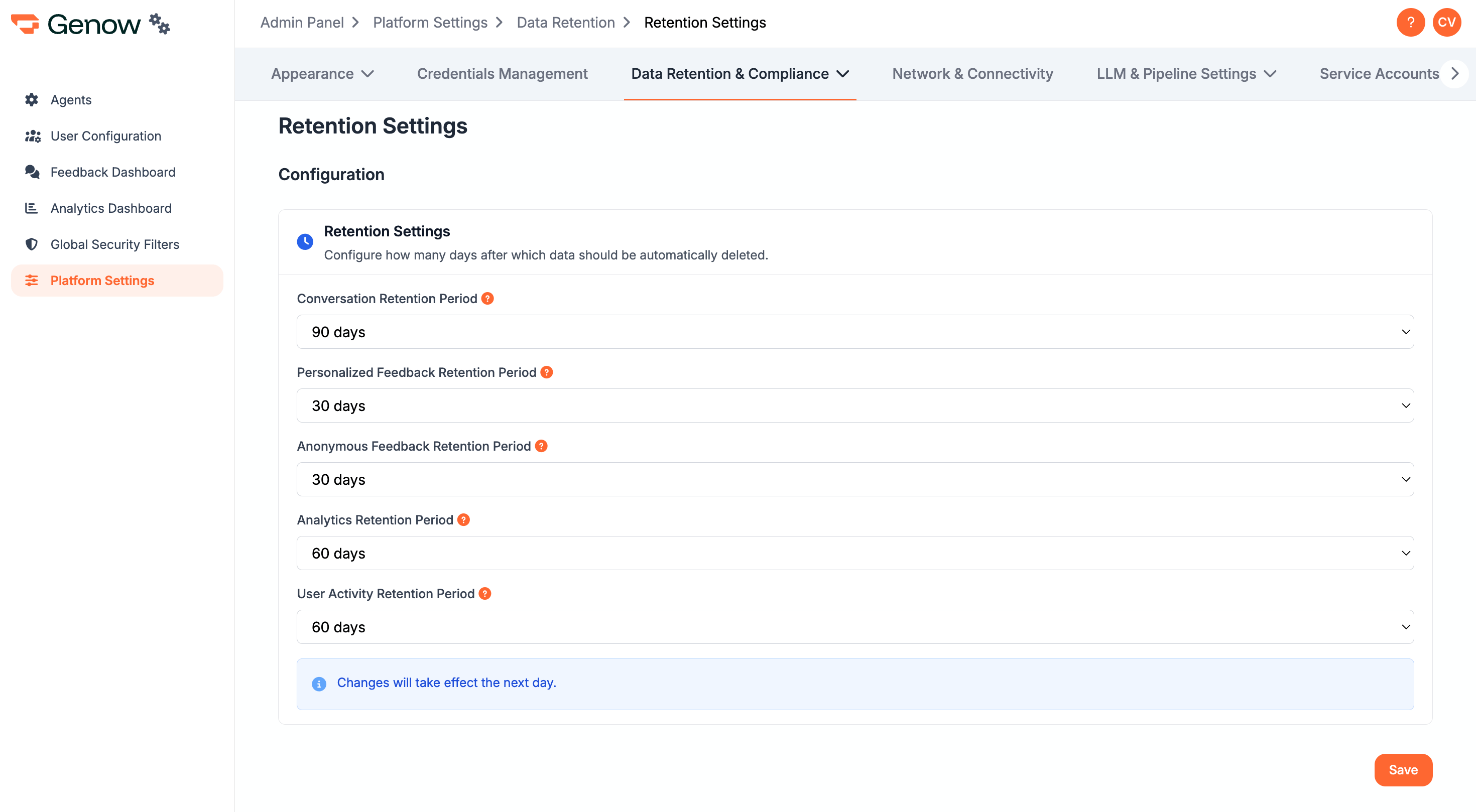
Changes to the retention policy may take up to 24 hours to be fully applied across all clusters. Once data is deleted according to these rules, it cannot be recovered.