
Documentation Index
Fetch the complete documentation index at: https://docs.genow.ai/llms.txt
Use this file to discover all available pages before exploring further.
Please Follow the Four Steps to Complete App Registration in Entraid
Add ‘Single-page application’ as platform configuration, enter your application URL, e.g., ‘https://yourcompanyname.genow.cloud/login’ and ‘https://yourcompanyname.genow.cloud/’ as Redirect URIs. The links may differ. Please make sure the correct links have been added.
Check Implicit grant and hybrid flows settings below on the Authentication page. Check that both, Access tokens (used for implicit flows) and ID tokens (used for implicit and hybrid flows) are disabled
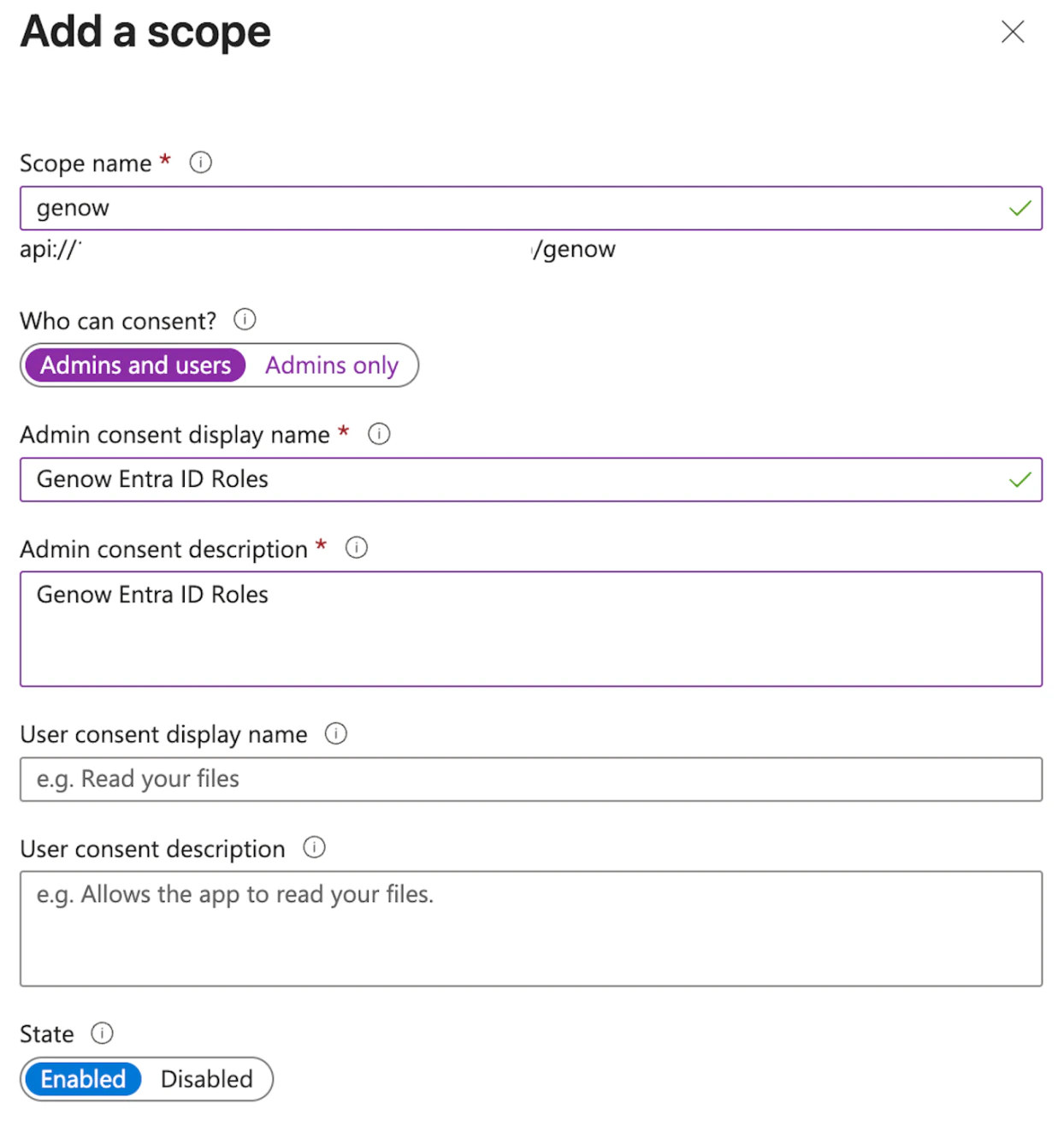
Next, configure the application roles and user permissions.